
Link to Youtube Video (visible only when JS is disabled)
Developers, we know you're increasingly using AI assistants and tools within your IDEs to streamline workflows, generate code, and find answers quickly. To make integrating with Google Pay & Google Wallet APIs smoother and more efficient in this new AI-powered landscape, we're thrilled to announce the Google Pay & Wallet Developer MCP server.
Modern AI agents and IDEs, like Antigravity, Cursor, Visual Studio Code, and others, often lack the specific, real-time context about your Google Pay & Wallet accounts, the latest API updates, or your integration status. The Model Context Protocol (MCP) is an open standard designed to bridge this gap, allowing AI agents to securely and reliably interact with external tools and services.
The new Google Pay & Wallet Developer MCP server provides a set of tools that your favorite AI development assistants can use to bring essential Google Pay & Wallet functionality right into your development environment.
The goal is to help you complete end-to-end integrations with less friction, fewer errors, and minimal context switching. Imagine doing all this without leaving your IDE:
In summary, the new Google Pay & Wallet Developer MCP server helps you streamline the path from setup to launch by minimizing context switching, improving accuracy, with AI-generated code and answers that are grounded in up-to-date documentation and real account data, and speeding up troubleshooting, ultimately reducing the time you need to start using the Google Pay & Wallet APIs in your applications.
We can’t wait for you to try out the Google Pay & Wallet Developer MCP server:
This is just the beginning. We plan to expand the tools and capabilities of the MCP server based on your feedback. Join the developer community in the Payments thread on Discord and let us know your experiences and how we can make AI-powered development even better for Google Pay & Wallet!
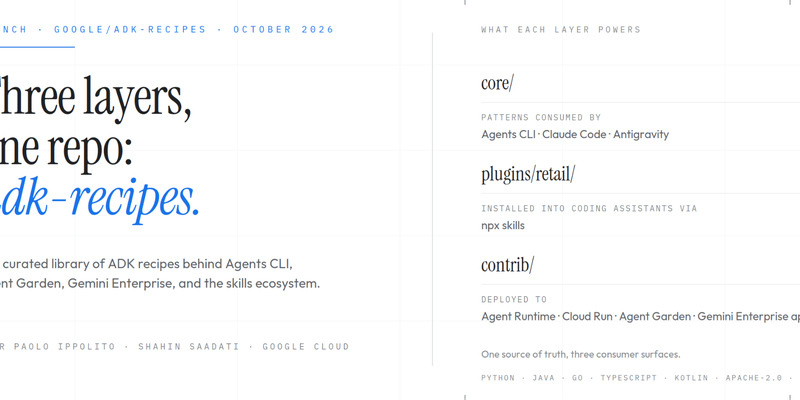
Three layers, one repo: a tour of google/adk-recipes
The latest updates to Google Pay

Enhancing Android Checkout with Dynamic Callbacks in Google Pay

Announcing DPoP Support for Google OAuth: Securing Refresh Tokens

ML Drift: Next-Gen GPU AI/ML Inference at the Edge