Vibe-coding with Gemini makes it easier than ever to build highly interactive games and apps, leveraging the power of MediaPipe to unlock real-time input control. MediaPipe provides cross-platform, off-the-shelf ML solutions for vision, audio, and language optimized for real-time on-device performance.
To illustrate what you can build with MediaPipe, we are introducing a new showcase gallery in Google AI Studio. Recently updated with the Antigravity agent, Google AI Studio is the perfect tool for quickly going from a "what if" idea to a polished, playable experience.
In this blog, we will share fun and simple ways to build apps that interact with the physical world by combining Gemini intelligence with MediaPipe’s real-time sensing capabilities.
Visit AI Studio and simply describe your idea in natural language. Make sure to mention the MediaPipe capability you want in the mechanics of your app, for example, MediaPipe’s face, hand or pose tracking, or segmentation, etc. For the example below, we recommend selecting Gemini 3.1 Pro from the settings menu.
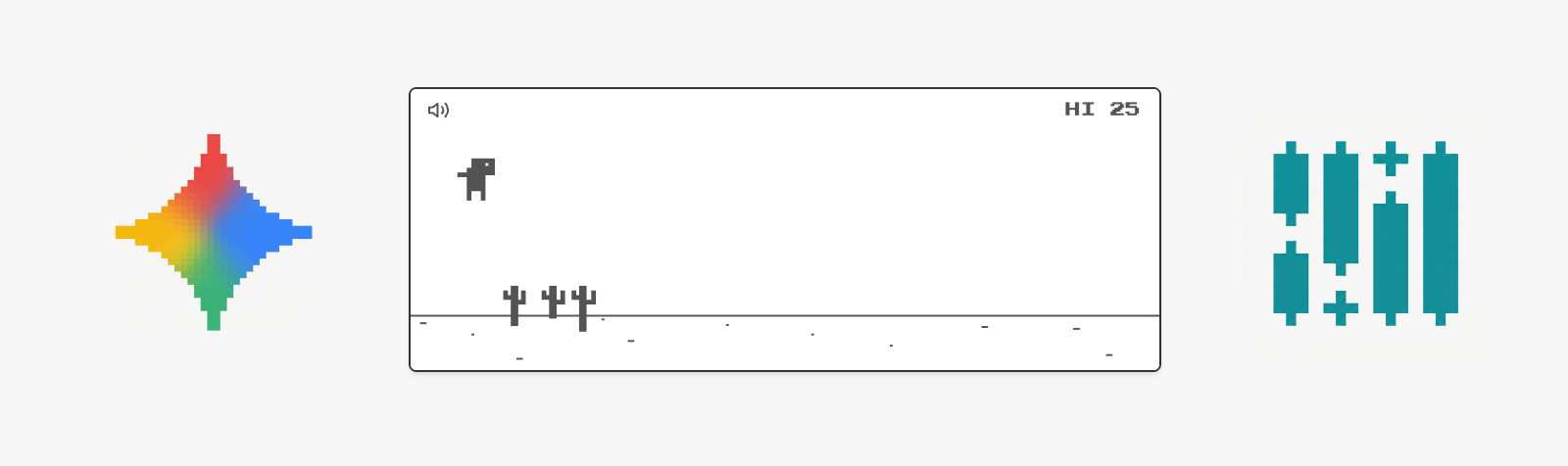
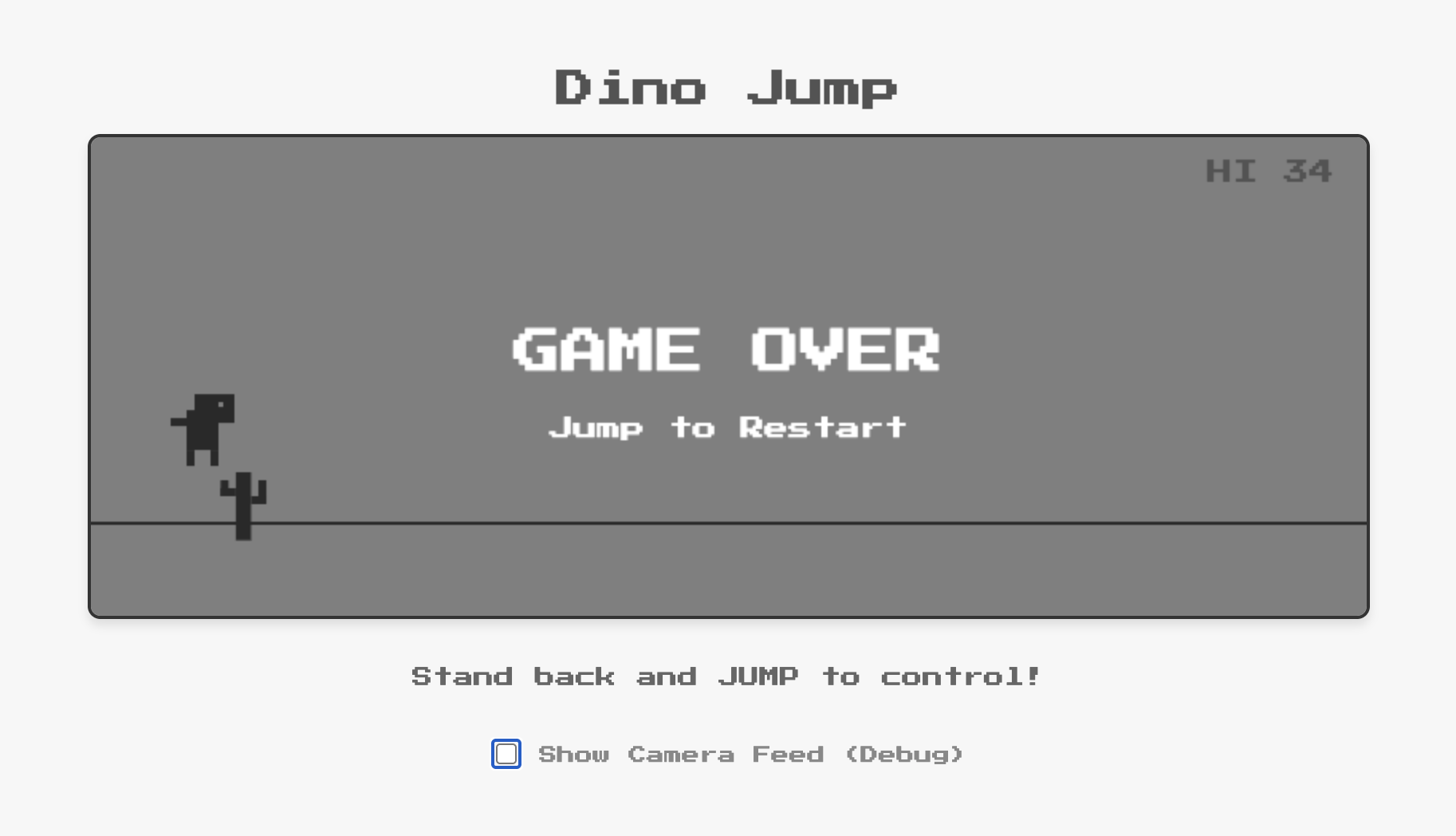
Build a motion-controlled version of the classic Chrome Dino game using MediaPipe Pose Landmarker to transform user physical jumps into in-game actions.
- Replicate the original 8-bit Chrome Dino aesthetic for user interface and game objects.
- Implement a robust jump detection in spite of player distance to the camera. Also support pressing space bar to jump as fallback.
- Jumps should be at least twice as high as the obstacles.
- Include a secondary panel below the game for debugging and feedback, featuring live camera feed with pose landmarks overlay.
AI Studio generates a fully functional web app in minutes. Even with a simple prompt, Gemini is capable of adding details around your concept to make it more complete, such as:
Build a hair recoloring app powered by MediaPipe Image Segmenter using multi-class selfie segmentation model.
- Display camera preview.
- Add a palette of 6 vivid colors (Neon Pink, Electric Blue, etc.) for user to select for hair recoloring under the preview. Select Neon Pink color by default.
- Implement and apply realistic, efficient and robust hair recoloring in the preview.
With the built-in preview, you can easily grant camera access and immediately test the physical or visual interaction without leaving the browser. If a feature isn't quite right, you "talk" your way through the fix.
If you encounter any errors or want to make improvements, just continue iterating in your conversation. We polished the apps published in AI Studio gallery over multiple turns of conversations, iteratively adding features, fixing bugs, and making optimizations. Even while you wait when Gemini is working, AI Studio provides helpful targeted suggestions for follow-ups.
The secret to making these apps feel magical is MediaPipe’s on-device ML/AI processing. As the pose estimation, hair segmentation and more happen entirely on your machine, there is virtually no latency. This is critical for an interactive game or app where a split-second delay makes the difference between clearing or hitting a cactus. This allows for rich, immersive experiences where the digital world reacts to your body in real-time.
MediaPipe offers a suite of ML solutions ranging from hand/face landmarks detection and semantic segmentation to audio classification and language detection. By combining Gemini and MediaPipe, developers can build apps that see, hear and sense the world easily.
Ready to start? Head to AI Studio’s MediaPipe showcase gallery to see what is possible and remix with any of our examples to add your own spin. Below are some additional ideas to explore right away.
Build an app powered by MediaPipe where user showing hands triggers numbers 6 and 7 pulse slightly elevated over user left and right hands correspondingly.
- Make 6 and 7 to be sized according to user hands size.
- Apps should have a cute, cartoonish aesthetic.
- Ensure smooth and robust rendering.
Create a Single/Multi-Player Bubble Gum Blow Challenge app using MediaPipe Face Landmarker.
- Track mouth movements to detect whether users blow or not (e.g. mouth from open to shrink represents blow).
- Each player has a digital pink bubble gum circle over the mouth that scales smoothly and dynamically.
- The faster the player "puffs", the faster the bubble grows.
- If a player stops blowing, the bubble slowly shrinks.
- The first player whose bubble reaches a maxSize (e.g. 200px radius) triggers a "POP" animation and is declared the winner.
- The game should have a cute, cartoonish aesthetic.
- Ensure smooth and robust rendering.
Create a "Dalgona Candy" (Squid Game) web app using MediaPipe Face Landmarker.
- The player "carves" the candy by moving nose tip along the shape's outline.
- Start carving when the nose touches the shape outline.
- As they trace, the nose will create a real carved hole/path (10-pixel).
- If the nose tip deviates far from the shape's path (exceeds a 6-pixel threshold) or if the game timer (60s) runs out, the candy "cracks," and the player loses.
- Show the user's camera feed (mirrored), the tracing shape, the carving path, and a countdown timer.
- Display "WIN" if the player fully cuts the candy shape outline.
- Dark "Squid Game" theme with green/pink accents and 3D rendering. Candy can be somehow transparent.
Create a "Double Hand Match" web game with MediaPipe Gesture Recognition that requires players to match specific hand gestures with both hands simultaneously. The game should recognize any combination of two gestures from the following list: 👍, 👎, ✌️, ☝️, ✊, 👋.
- Patterns appear inside bubbles that spawn at the bottom of the screen and float toward the top.
- A successfully match pops the bubble and award points.
- If a bubble reaches to top of the screen without being matched, the player loses points.
- Each round lasts 30 seconds, concluding with a final score display.
- Game should have a cute and cartoon style with "juicy" animations. The background is a camera mirrored view.
Let's build "Red Light, Green Light", a Room-Scale Multiplayer game where players stand across the room and try to sneak up to the webcam.
The Mechanics:
- Lobby: Detect all the players with MediaPipe Face Full-Range detector and lock in tracking boxes. Start the game when button is pressed.
- Green Light: The game screen flashes green, and players physically walk toward the camera.
- Red Light: The screen flashes red. The game detects any players that move more than a few pixels. If so, they get big red "X" over their face and are eliminated.
- Win condition: The game continues for multiple rounds until only player is left.
Oh, and one more thing, we've also upgraded MediaPipe face detection to support long range distance, which was used in the above “Red Light, Green Light” game for room-scale tracking of players far away.
We have a robust roadmap to bring more upgrades to MediaPipe this year. We are committed to empowering you in creating sophisticated, interactive applications using Gemini and MediaPipe more efficiently than ever.
We are excited to see what you build! Publish your apps in AI Studio and share with us at mediapipe-community@google.com for a chance to get featured in the showcase gallery.
Special thanks to the contributors who make MediaPipe solutions possible: Sebastian Schmidt, Chenchen Tang, Alex Kanaukou, Gregory Karpiak, Suril Shah, Erin Walsh, Mike Taylor-Cai, Chris Parsons, Sachin Kotwani, Jianing Wei, and Matthias Grundmann