As the ecosystem of AI-powered developer tools—from agentic platforms like Antigravity to command-line interfaces like Gemini CLI—continues to expand, a critical challenge has emerged: how do we ensure these models have access to the most accurate, up-to-date documentation?
Large Language Models (LLMs) are only as good as the context they are given. When building with Google technology, developers need their AI assistants to know the latest Firebase features, the most recent Android API changes, and the current best practices for Google Cloud.
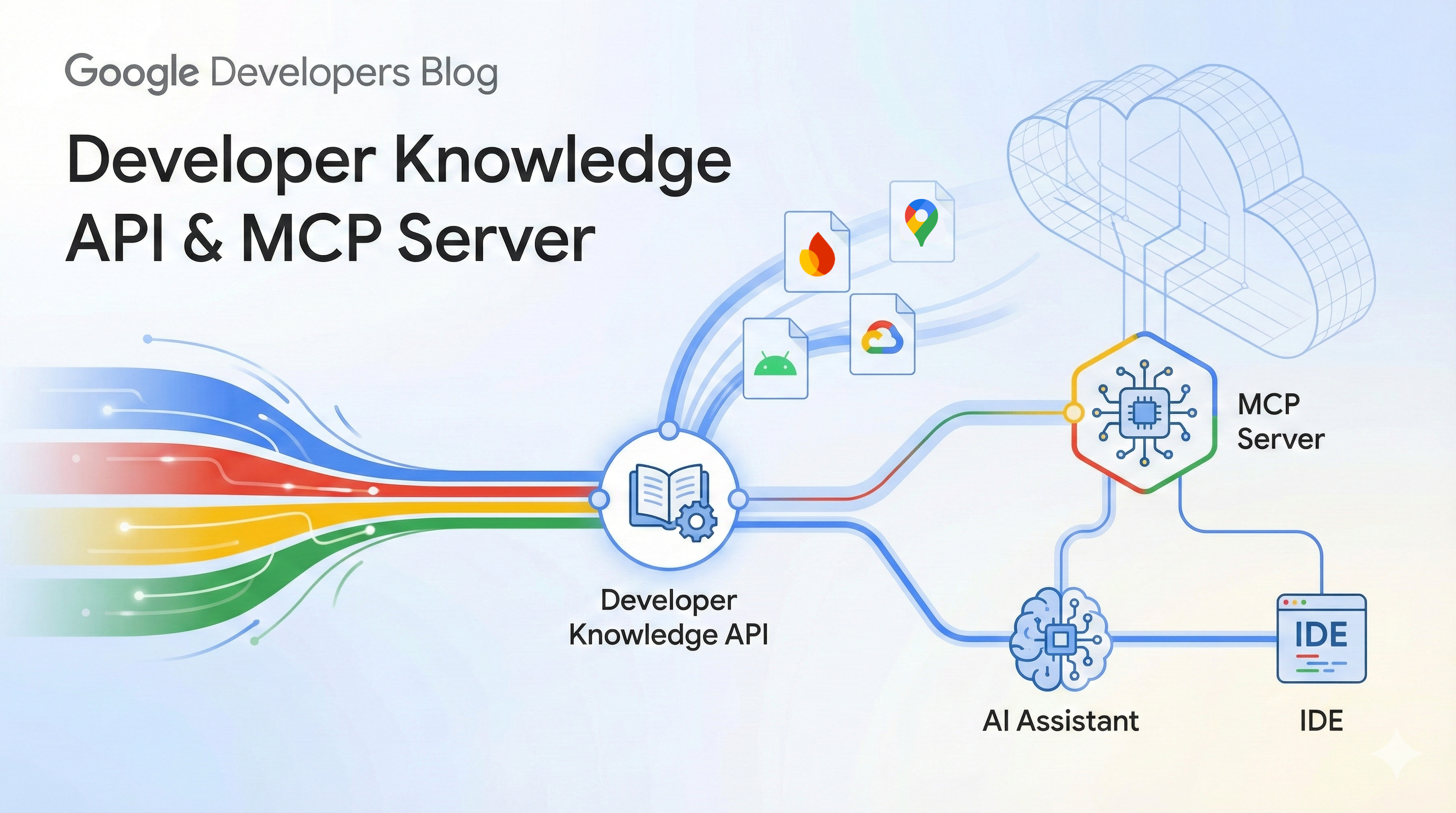
Today, we are excited to announce the public preview of the Developer Knowledge API and its associated Model Context Protocol (MCP) server. Together, these tools provide a canonical, machine-readable gateway to Google’s official developer documentation.
The Developer Knowledge API is designed to be the programmatic source of truth for Google’s public documentation. Instead of relying on potentially outdated training data or fragile web-scraping, developers can now search and retrieve Google developer documentation pages as Markdown.
Key features include:
Alongside the API, we are releasing an official Model Context Protocol (MCP) server. MCP is an open standard that enables AI assistants to safely and easily access external data sources.
By connecting the Developer Knowledge MCP server to your IDE or AI assistant, you give it the ability to "read" Google’s developer documentation. This enables more reliable features, such as:
The server is compatible with a wide range of popular assistants and tools, as described in the documentation.
You can begin using the Developer Knowledge API and MCP server today in public preview.
gcloud beta services mcp enable developerknowledge.googleapis.com --project=PROJECT_ID
mcp_config.json or settings.json). Detailed configuration steps for various AI assistants can be found in the documentation.This preview release focuses on providing high-quality, unstructured Markdown. As we move toward general availability, we plan to add support for structured content such as specific code sample objects and API reference entities. We will expand the corpus to include more of Google's developer documentation and reduce re-indexing latency.
We can’t wait to see how you integrate official Google knowledge into your agentic workflows and developer tools. Check out the full documentation to dive deeper, and let us know what you build!