
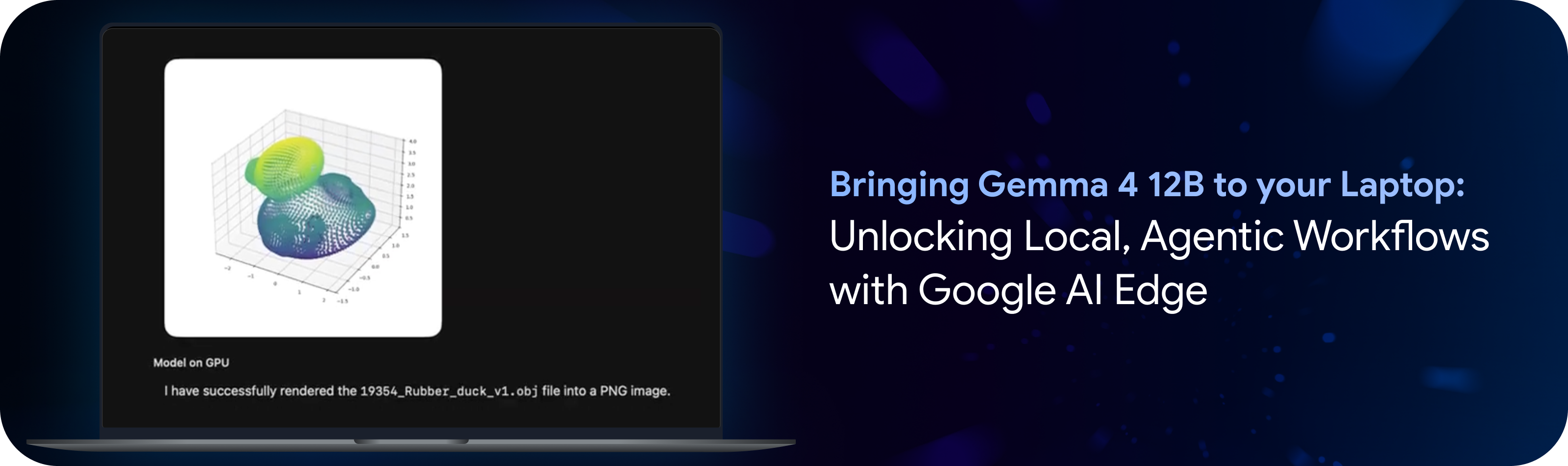
Google DeepMind’s latest open model, Gemma 4 12B, is designed to bring agentic, multimodal intelligence directly to your laptop. By combining the model's strengths with the Google AI Edge stack, you can immediately get hands-on to build and experiment locally, on everyday machines (see model card for spec requirement).
This model-runtime combination unlocks powerful on-device capabilities, from autonomous data processing and generating rich visual insights, to building fully functional webpages and executing everyday tool use. You can start interacting with Gemma 4 12B across Google AI Edge right now:
The Google AI Edge Gallery app, now available on macOS, showcases Gemma 4 12B’s coding capability, allowing you to extract meaningful insights from your data right on your device. Through a seamless interface, you can simply describe your analytical goals in natural language. In the example below, we asked the model to “use a python program to render a chart png to compare the top 10 girl names born in 2024 vs 2025” given two text files containing the data. In response, the model dynamically generates Python code, executes it locally, and converts raw data into beautiful, easy-to-grasp visualizations and insights.
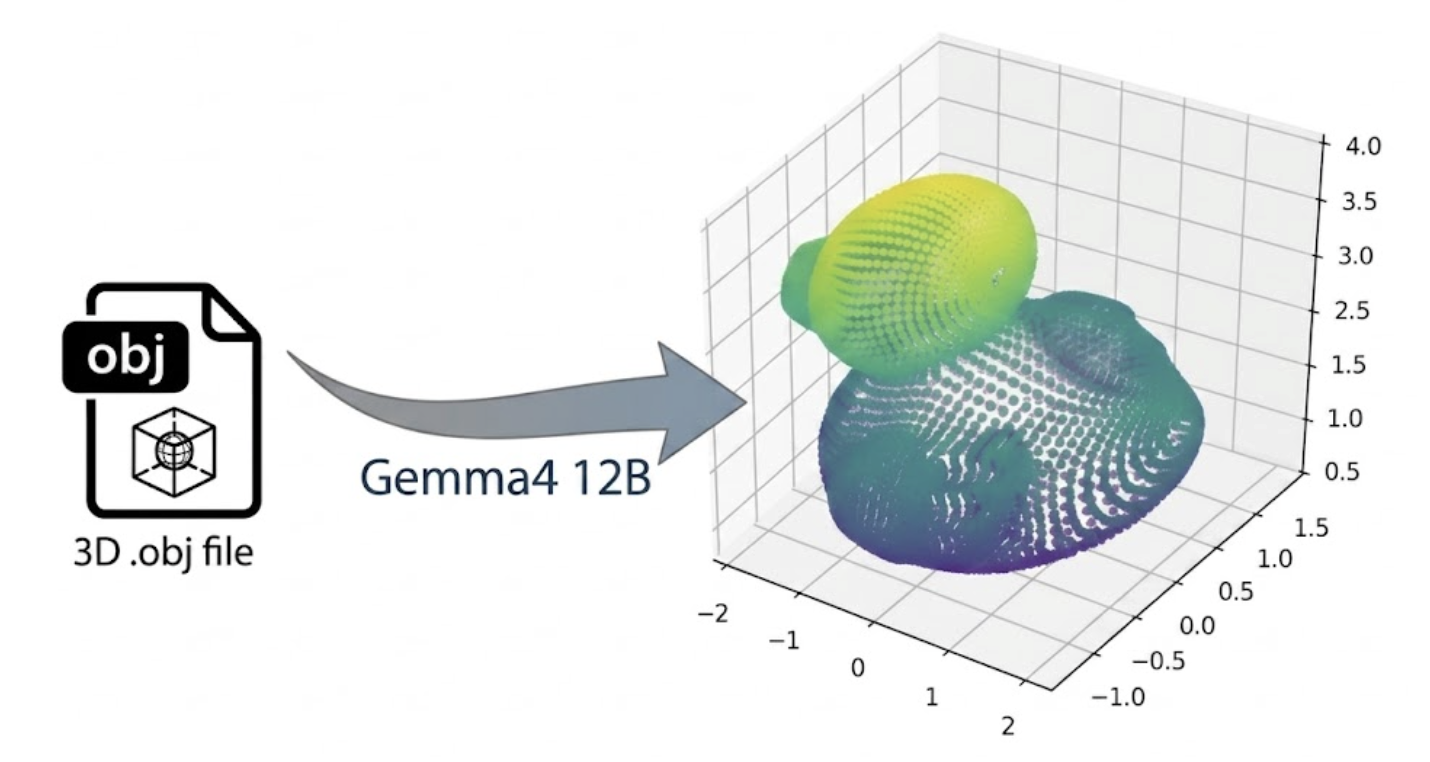
When it comes to advanced coding, Gemma 4 12B doesn't just write scripts. In a complex 3D rendering task, we observed that with just one user prompt, the model can generate a rubber duck rendering with dependency specification, generate code and self correct, all in a single turn.
Download Google AI Edge Gallery on macOS today and try local coding with Gemma 4 12B.
Google AI Edge Eloquent, our AI powered dictation and editing app, seamlessly transforms your raw unstructured thoughts into polished text. The new MacOS desktop version runs 100% on-device across the entire feature set, ensuring a powerful, fully offline experience. Using a convenient, customizable hotkey, Eloquent enables you to use voice dictation across any application on your Mac. Additionally, Eloquent supports fully local transcription of your audio or video files.
Leveraging the advanced reasoning power of Gemma 4 12B, we are introducing Voice Edit, a new feature that allows you to simply dictate voice commands to transform any piece of text in your desktop workflow. For example, you can highlight a paragraph and say, “restructure these notes into an executive summary”, or “translate this into Hindi”. With Gemma 4 12B, we see a huge step up to prior models with superior instruction following, stricter scope adherence, and a 60%+ jump in overall quality.
Download Google AI Edge Eloquent on macOS today and experience the power of Gemma 4 12B as a fully local AI dictation and editing assistant.
The LiteRT-LM CLI provides a lightweight, zero-code tool for running language models locally. We are now expanding the tool with the serve command, letting the CLI act as a drop-in local LLM server. Use this functionality with Gemma 4 12B to point any standard tool, SDK, or framework (such as OpenClaw, Hermes, OpenCode, Pi, or popular extensions like Continue and Aider) directly to your local endpoint.
# Import the Gemma 4 12B model as "gemma4-12b"
litert-lm import --from-huggingface-repo=litert-community/gemma-4-12B-it-litert-lm gemma-4-12B-it.litertlm gemma4-12b

# Start the OpenAI-compatible server
litert-lm servecurl http://localhost:9379/v1/chat/completions \
-H "Content-Type: application/json" \
-d '{
"model": "gemma4-12b,gpu",
"messages": [{"role": "user", "content": "Hello!"}]
}'Running Gemma 4 12B makes on-device AI powered capabilities broadly available to everyday laptops. Check out the LiteRT-LM model card for performance and memory benchmarks. By pairing the powerful capabilities of this new model with the optimized performance and ease of use of Google AI Edge you can build multi-turn local agents, analyze data in Google AI Edge Gallery, or streamline your writing with Google AI Edge Eloquent. Furthermore, your data stays on your device while maintaining reliable responsiveness, utility, and cost efficiency.
We'd like to extend a special thanks to our significant contributors for their work on this project (in alphabetical order):
Advait Jain, Alice Zheng, Alex Kanaukou, Ami Kubota, Changming Sun, Cormac Brick, Denis Daletski, Fengwu Yao, Hriday Chhabria, Jingxiao Zheng, Jingtao Zhou, Jenn Lee, Jianing Wei, Jing Jin, Lin Chen, Lu Wang, Marius Kintel, Marissa Ikonomidis, Matthias Grundmann, Mogan Shieh, Mohammadreza Heydary, Matthew Soulanille, Na Li, Qidong Zhao, Queenie Zhang, Ram Iyengar, Rishika Sinha, Sachin Kotwani, Suleman Shahid, Suril Shah, Tenghui Zhu, Wai Hon Law, Weiyi Wang, Xiaoming Hu, Xinan Cheng, Yi-Chun Kuo, Yishuang Pang, Yu-hui Chen.

Unifying Edge AI: How Coral NPU’s open standard brings portable, energy-viable intelligence from model to silicon

Integrating TorchTPU into TorchTitan and Optimizing Models for TPU

Bringing Visual Graph Debugging to Custom Edge Compilers with Model Explorer
Streaming comes to API Gateway: real-time and AI-ready APIs, without changing your spec