
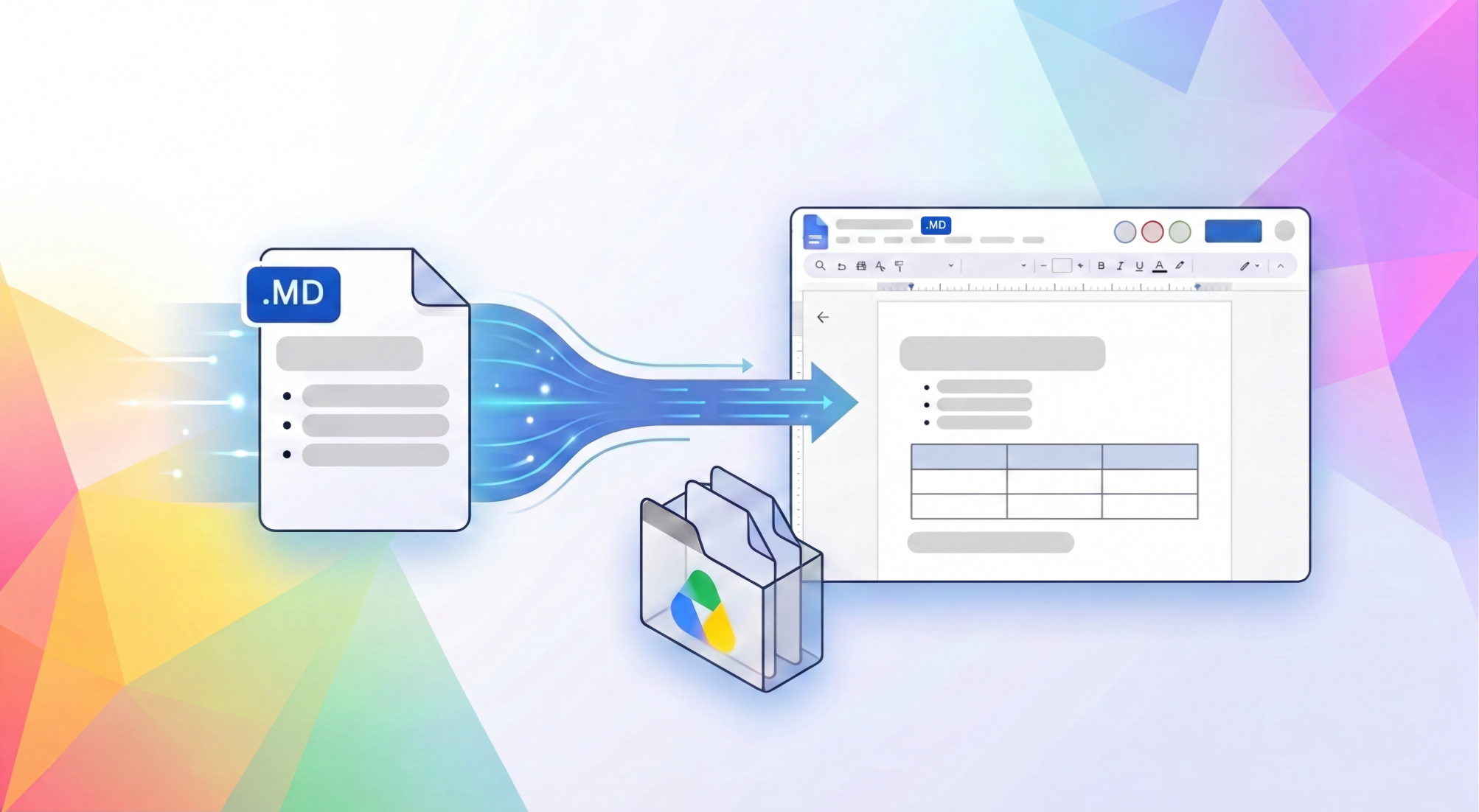
Google Workspace is bridging the gap between code and collaboration by providing a familiar, real-time environment where developers and AI agents can seamlessly work together on documentation.
Markdown (.md) is a standard text format widely used by LLMs to preserve structured content—such as tables, headers, and bulleted lists—without the overhead of bulky file formats. Markdown file usage in Google Drive has surged year-over-year, indicating how critical this format has become for modern, fast-paced workflows.
Now, you can natively view, edit, and collaborate in markdown files directly in Google Docs, eliminating the friction of manual file conversions. You can edit without changing file types while ensuring your underlying documentation is preserved for developer tools and git repositories. Plus, with rendered previews in Google Drive, you can easily review formatting with a click.
As AI agents take on larger roles in drafting, planning, and coding, markdown serves as a collaborative common language between humans and AI tools because it is easily readable by both. Google Docs provides a familiar, easy-to-use environment, acting as a shared bridge where team members and autonomous agents work together directly on the same documents. When you open a markdown file in Google Docs, you have:
Link to Youtube Video (visible only when JS is disabled)
By combining the simplicity of markdown with the powerful real-time collaboration of Google Docs, teams now have a unified workspace to draft, review, and ship technical content faster.
Anyone with a Google or Workspace account can get started today by uploading an .md file to Google Drive and begin collaborating directly in Google Docs.

Native Model Authoring for Edge with LiteRT Tensor API

Integrating TorchTPU into TorchTitan and Optimizing Models for TPU
Streaming comes to API Gateway: real-time and AI-ready APIs, without changing your spec

Announcing DPoP Support for Google OAuth: Securing Refresh Tokens